Modify/delete order
1 min read.
You can modify or delete orders after they are created. To learn how to create an order, refer to the Create an Order guide.
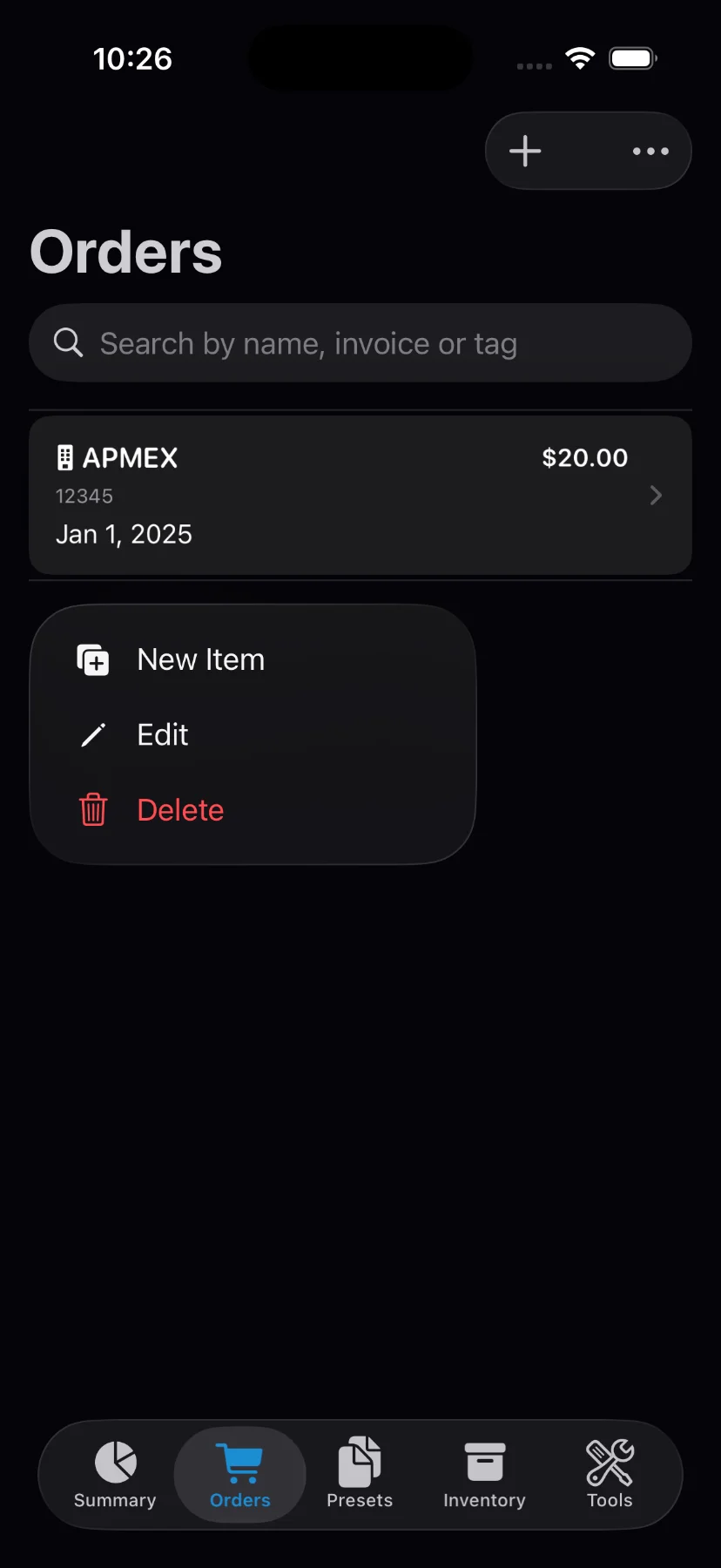
1) Tap on the order you wish to modify on the “Orders” tab.
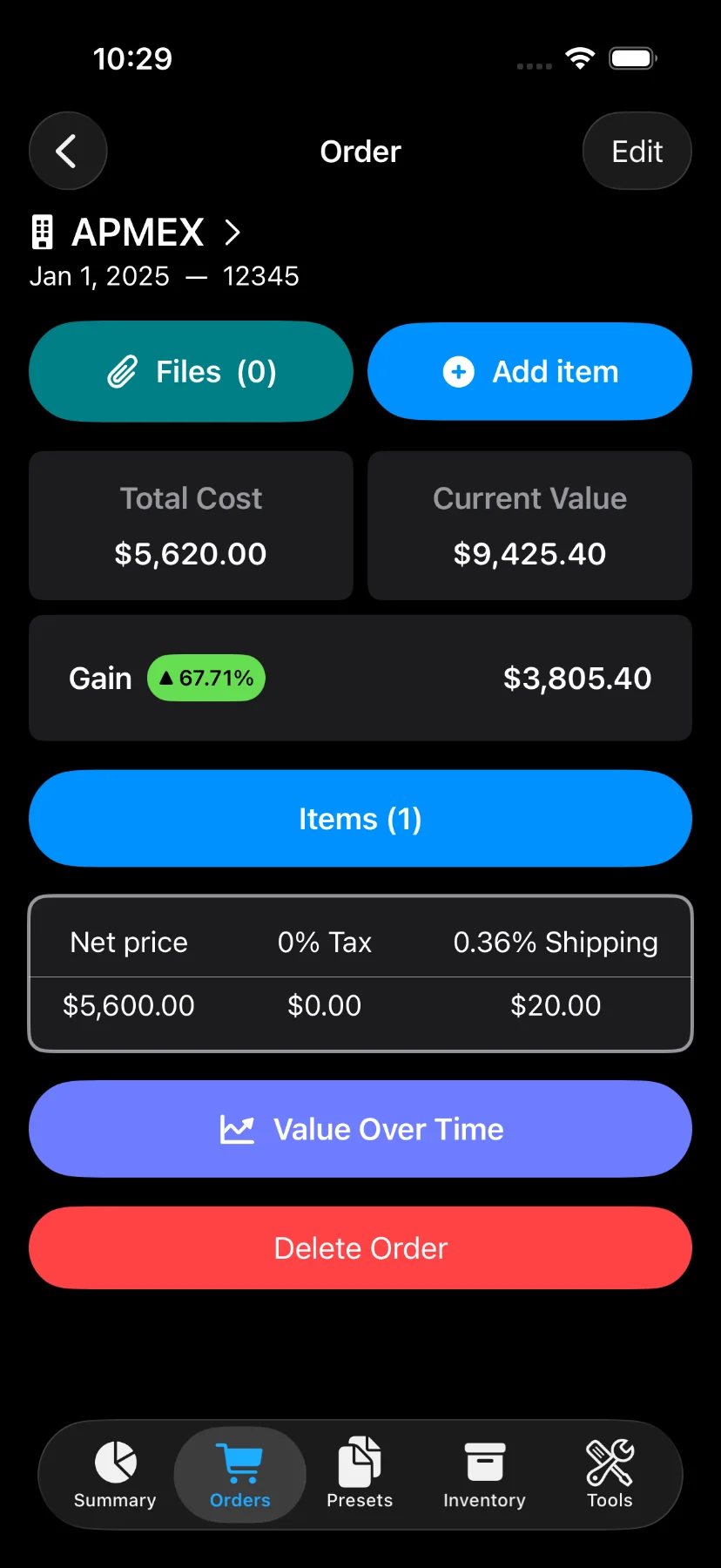
2) Tap on “Edit” button on the top right for modifying an order, or the “Delete Order” button at the bottom of the page for deletion.
You can also delete orders from the “Orders” page by swiping left or long-pressing the order.
3) In case of modification, the input screen for updating an existing order consists of:
- Seller
- Invoice number
- Shipping cost
- Order date
- Note
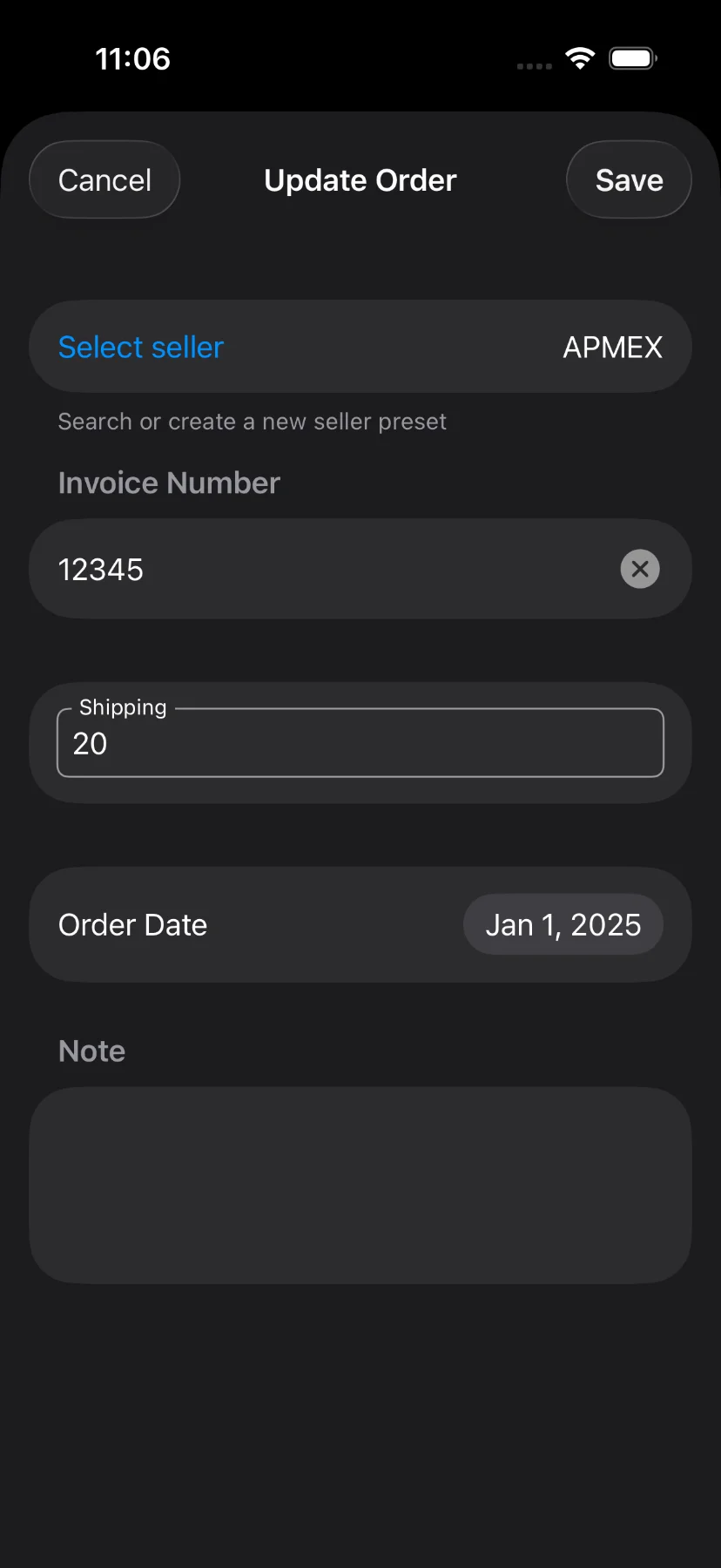
4) Update the desired fields and save.